Debugging and Inspection
Debugging with agents
globalThis.__DC__ allows agents to introspect the Data Client store of your
app in development: its state, recent actions and errors, so your coding agent can debug what you see. Ask it:
With Data Client's skills set up, it finds the cause in the store instead of guessing from code. It needs a browser tool that runs JavaScript in the page: Cursor's browser, Chrome DevTools MCP, Playwright MCP or Claude in Chrome.
If debugging doesn't work with your agent or browser tool, open an issue naming both so we can support it. Or have your agent write it:
Manual debugging
If you prefer to inspect everything yourself, the browser devtools workflow below remains the standard manual path.
Installation
Add the browser extension for chrome extension or firefox extension
Open dev tools

After installing and loading your site in dev-mode, click the redux-devtool logo in the location bar.
Clicking that will open the inspector, which allows you to observe dispatched actions, their effect on the store's state as well as current store state.
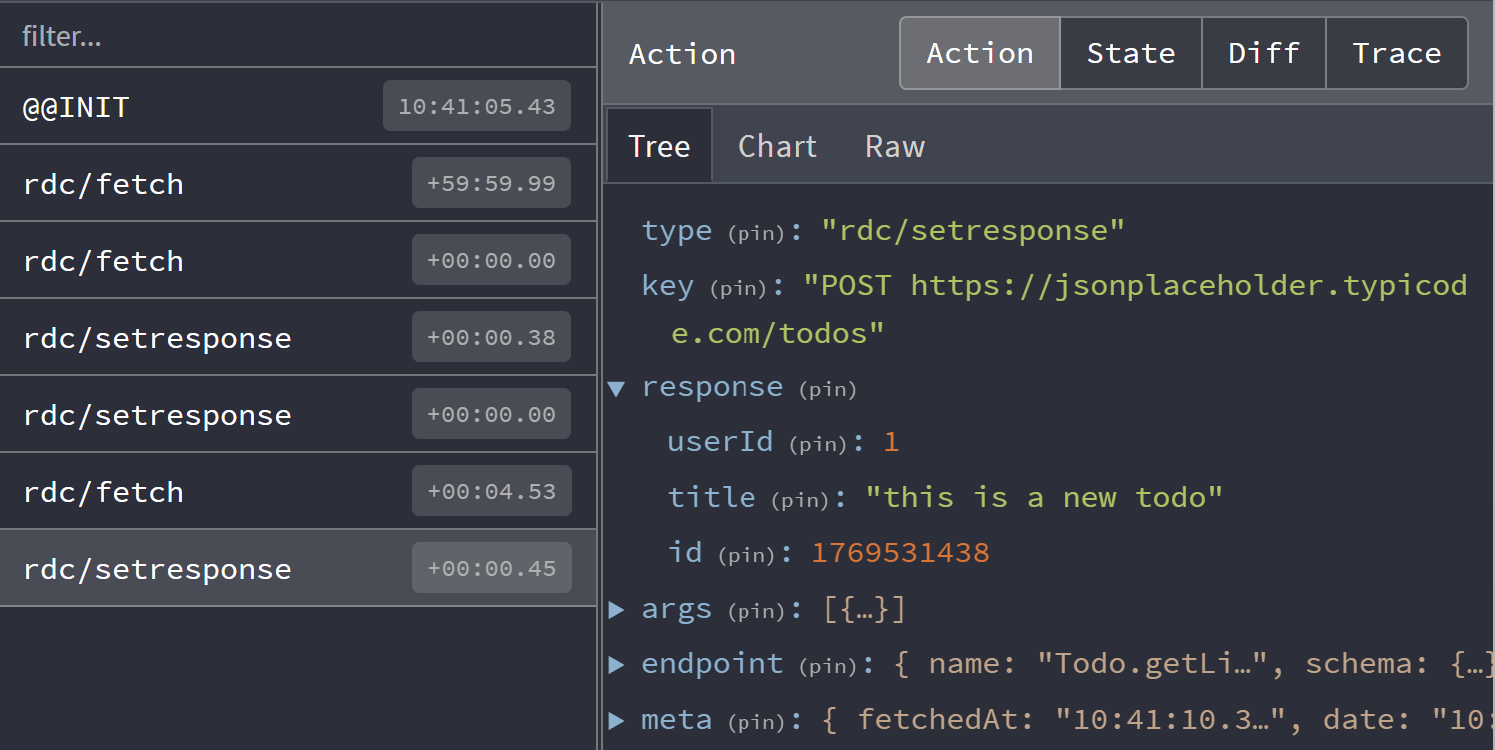
The Controller dispatches actions, making that page useful for understanding what actions you see. Here we observe common actions of fetch and setResponse.
By default the devtool integration will filter duplicate fetch actions. This can be changed with skipLogging option.
Control flow
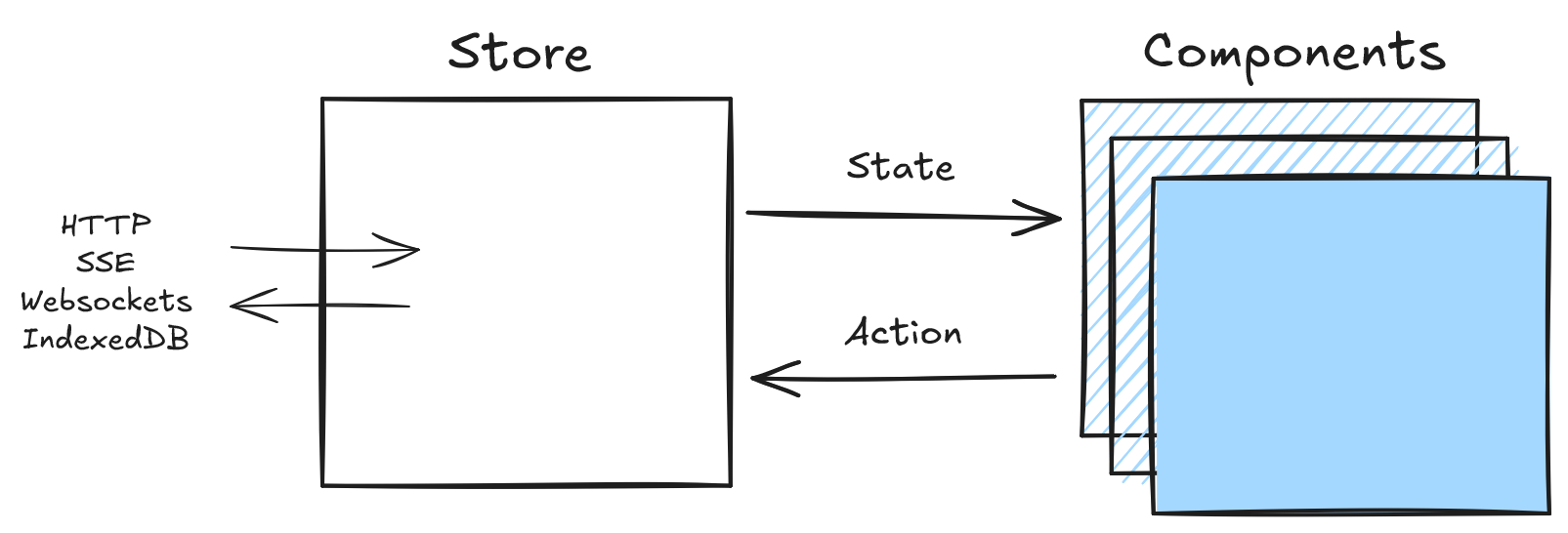
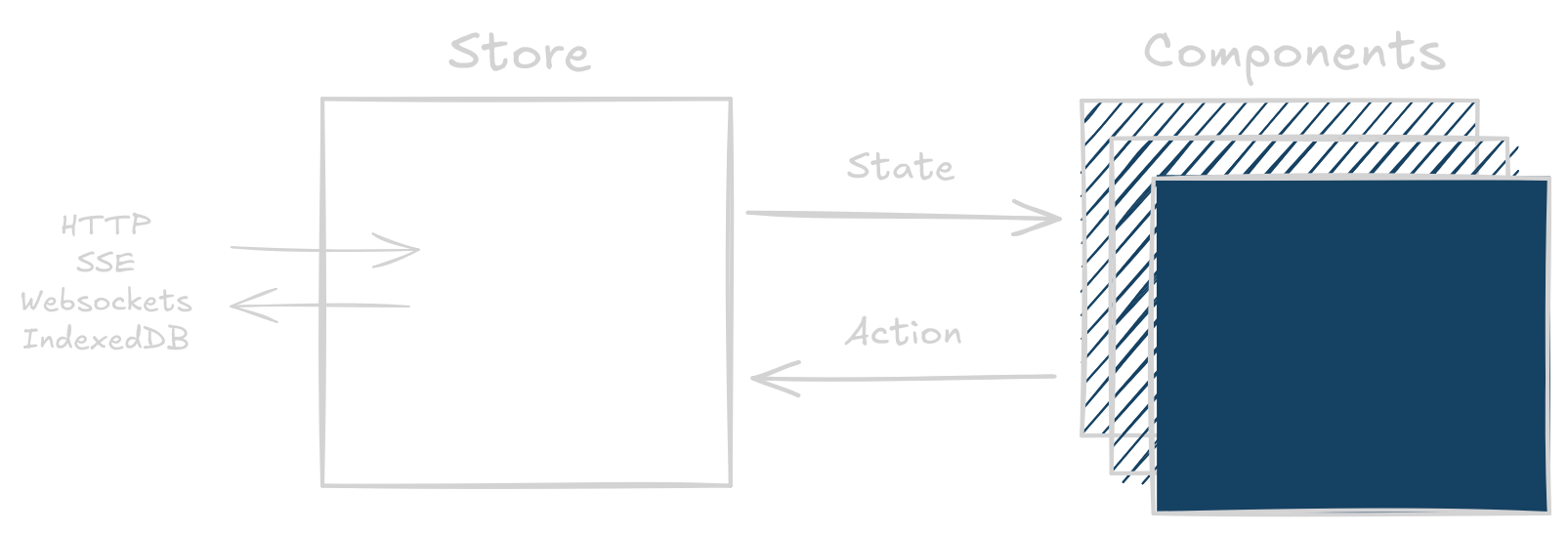
Data Client uses the flux store pattern, making debugging straightforward as each change is traceable and descriptive.
State Inspection
Whens schemas are used, responses are normalized into entities
and endpoints tables. This enables automatic performance advantages over simpler key-value fetch caches; especially
beneficial with dynamic (changing) data. This also eliminates data-inconsistency bugs.
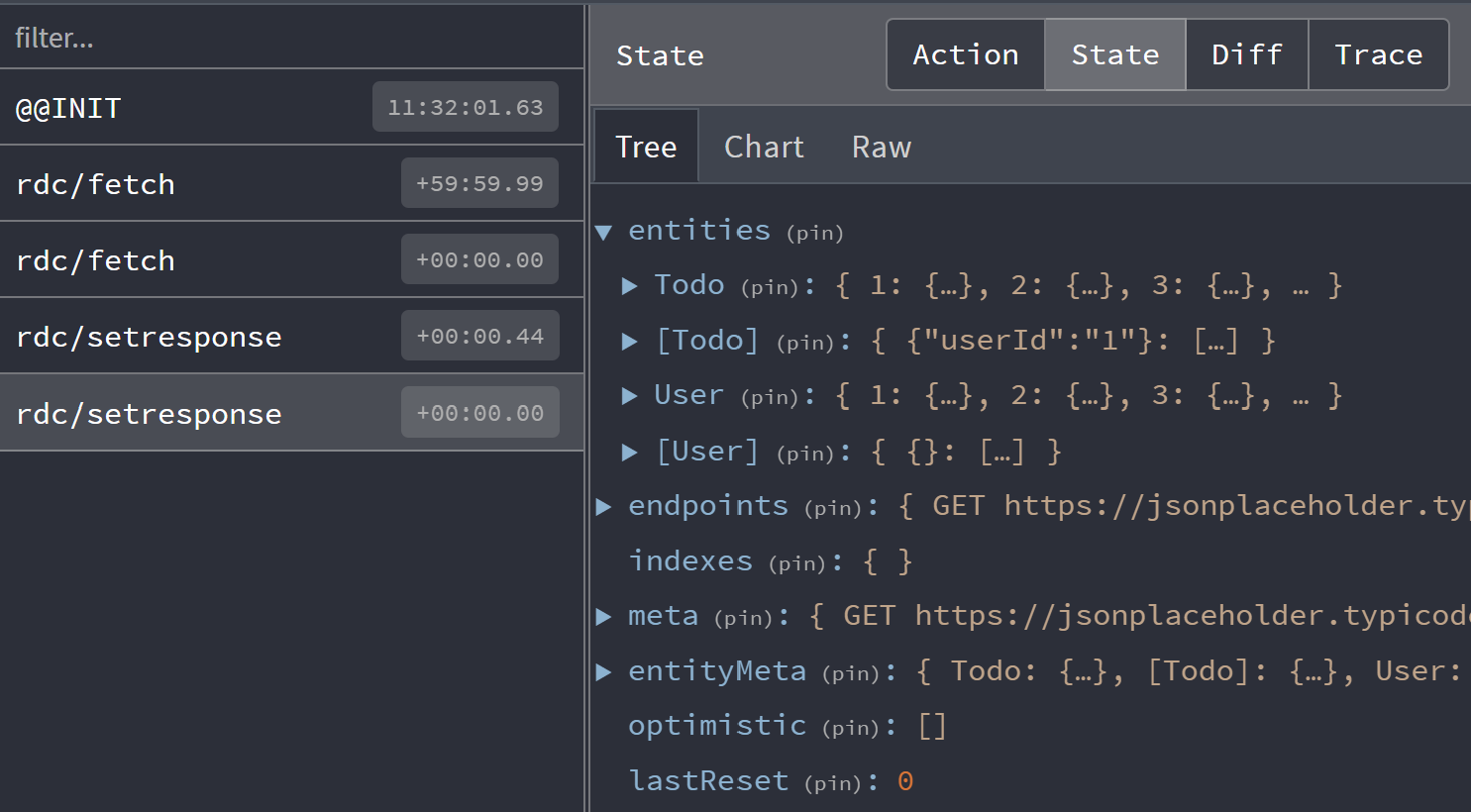
Click on the 'state' tab in devtools to see the store's entire state. This can be useful to determine exactly where data is. There is also a 'meta' section of the cache for information like when the request took place (useful for TTL).
State Diff
For monitoring a particular fetch response, it might be more useful to see how the store updates. Click on the 'Diff' tab to see what changed.
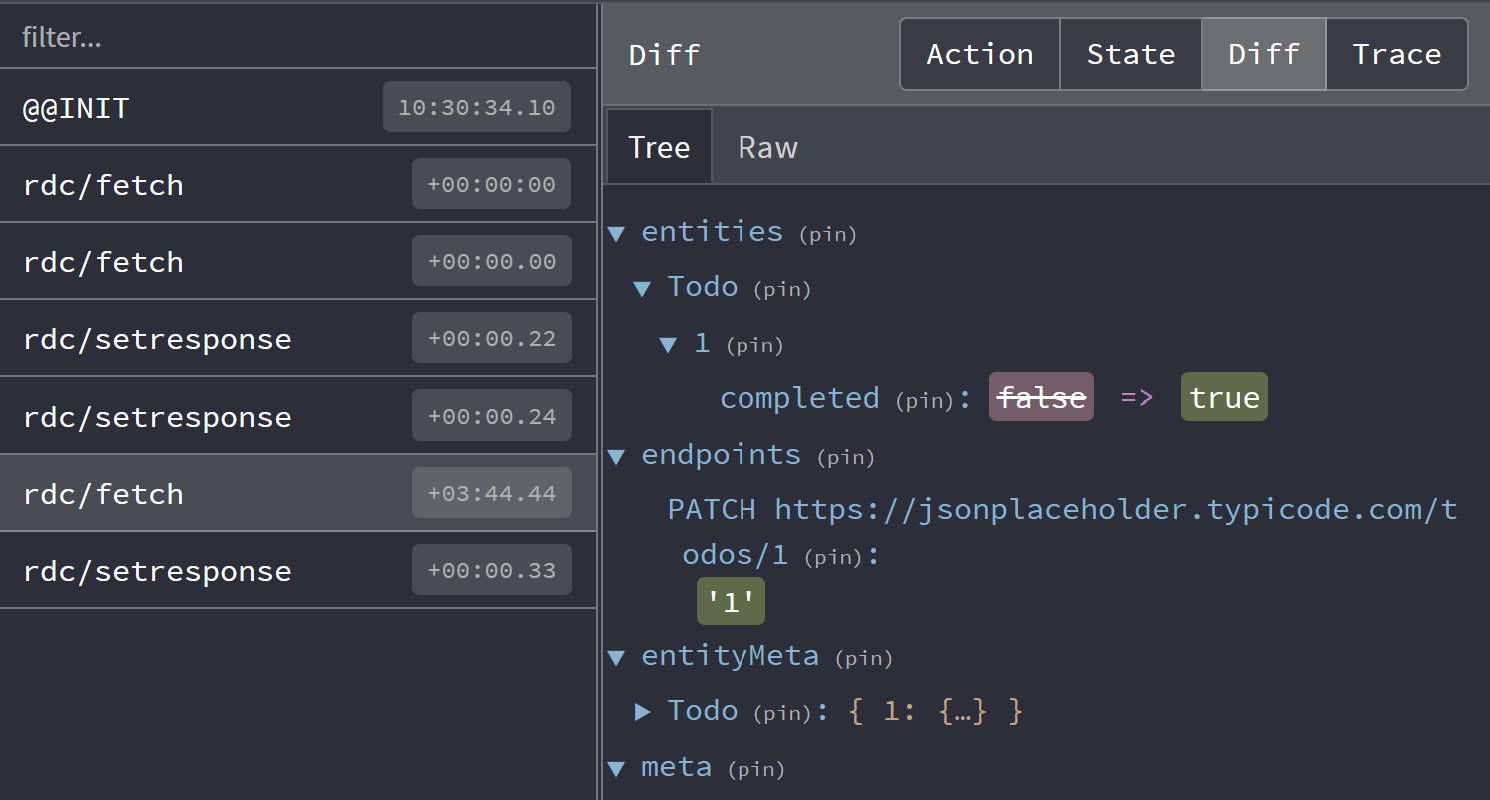
Here we toggled the 'completed' status of a todo using an optimistic update.
Action Tracing
Tracing is not enabled by default as it is very computationally expensive. However, it can be very useful
in tracking down where actions are dispatched from. Customize DevToolsManager
by setting the trace option to true with getDefaultManagers:
import { createApp } from 'vue';
import { DataClientPlugin, getDefaultManagers } from '@data-client/vue';
import App from './App.vue';

const managers = getDefaultManagers({
  devToolsManager: { trace: true },
});

const app = createApp(App);
app.use(DataClientPlugin, { managers });
app.mount('#app');